
The pretend tummy scanner for picky eaters
Type or snap a food, scan the tummy, and get a silly joke, a fun food fact and a playful bite suggestion.


Free · No subscription · iPhone & Android
How it works
- 1
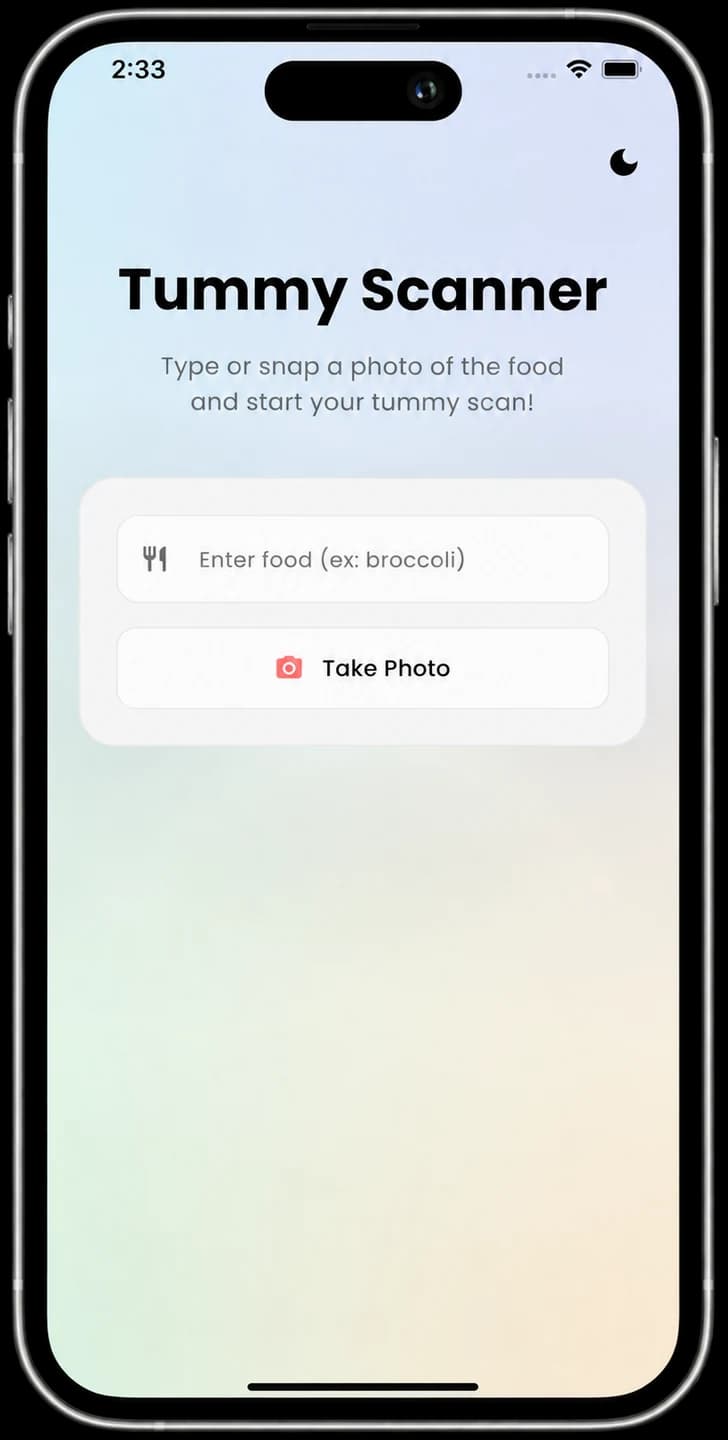
Type the food
Enter what’s on the plate, like “broccoli”.
- 2
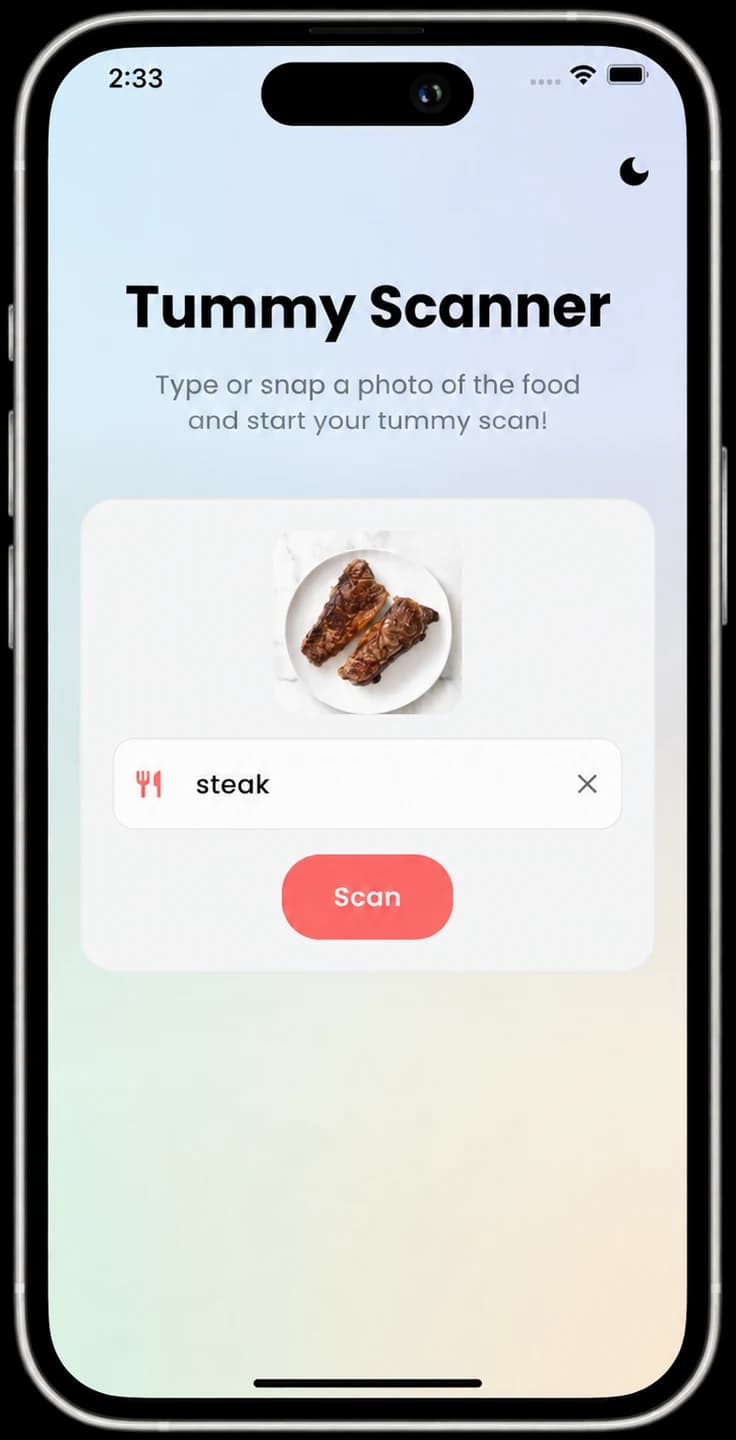
Or snap a photo
Take a picture of the plate and the app names the food.
- 3
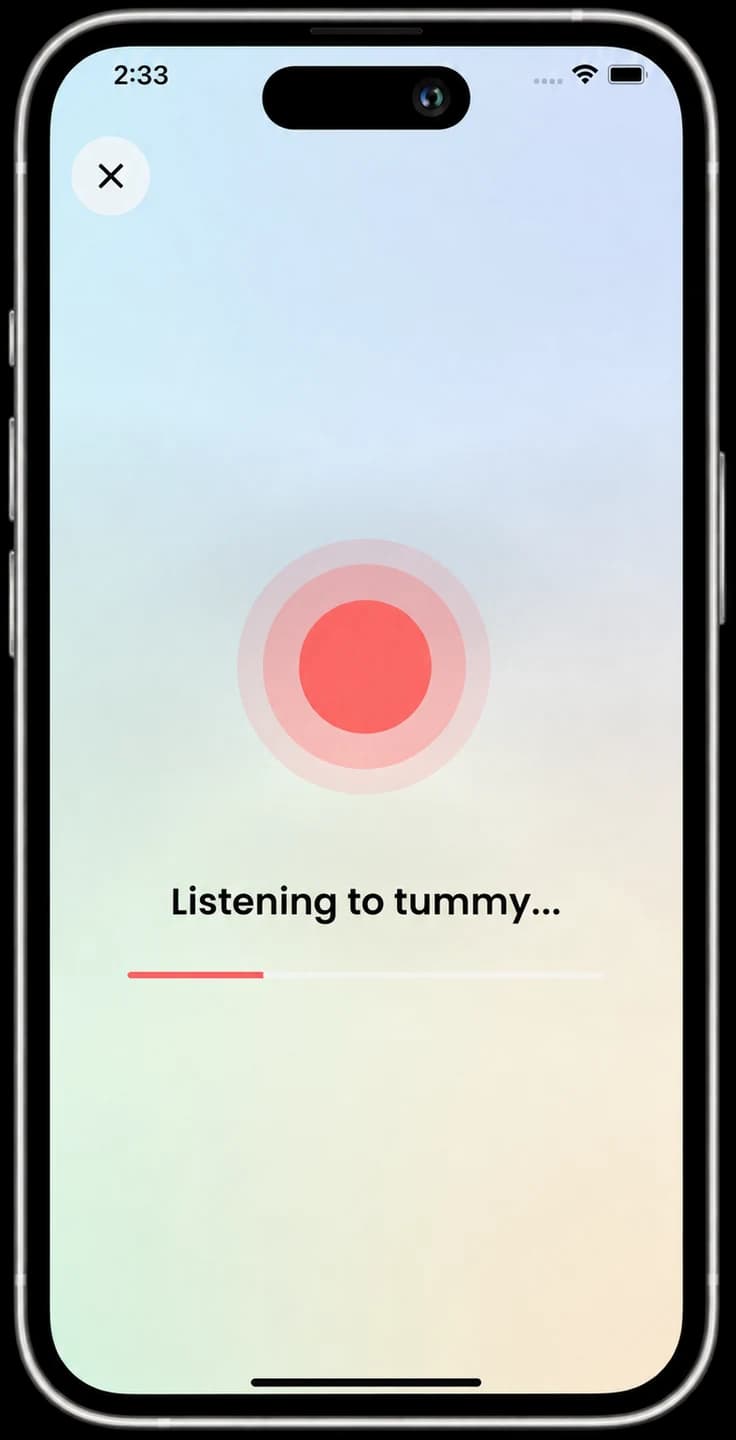
Scan the tummy
Hold the phone near the tummy for a pretend scan.
- 4
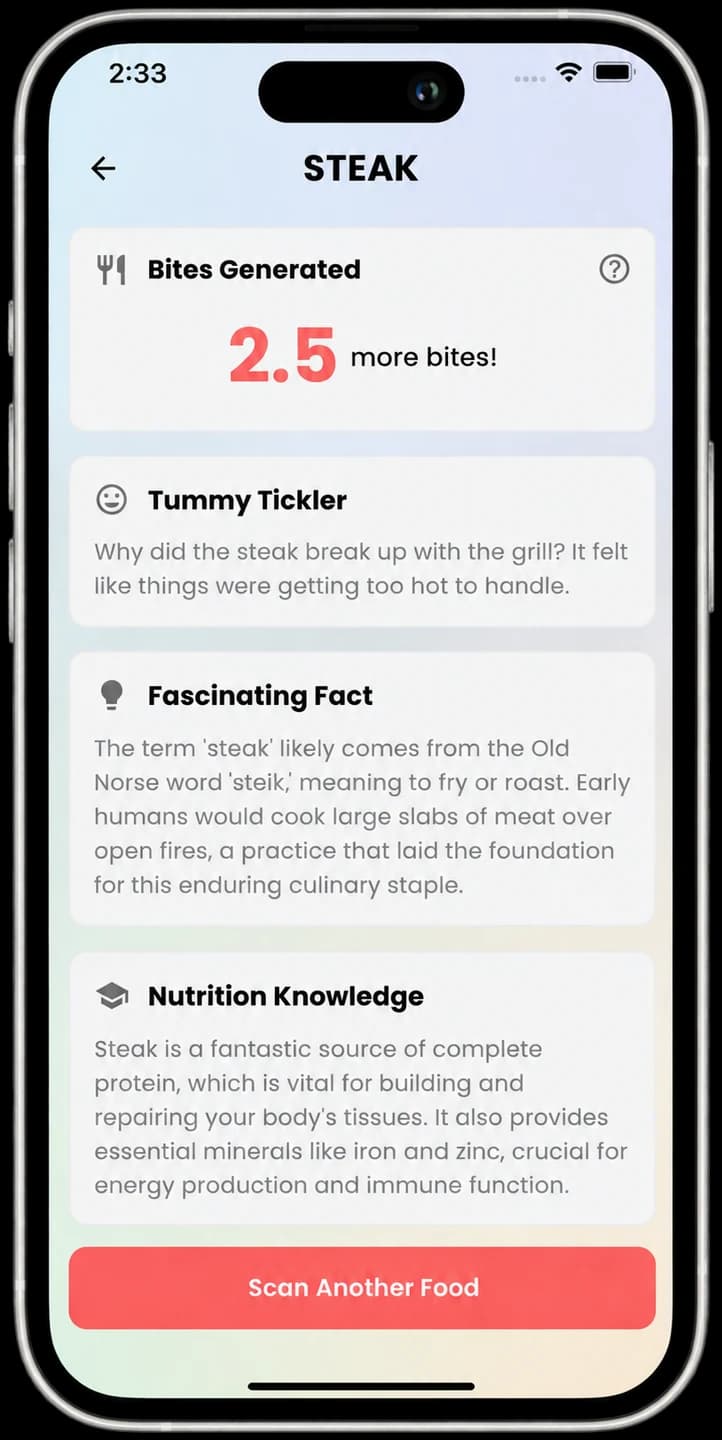
Eat, laugh, learn
A bite goal, a joke, a fun fact and simple nutrition info.
Feeding guides for parents
Research-backed articles on picky eating, responsive feeding, and playful mealtimes.
- How Many Times Should You Offer a New Food?
- Responsive Feeding 101: Why "No Pressure" is the Best Parenting Hack for Mealtimes
- The Power of Play: How Games Can Transform Your Child's Relationship with Food
- Is Picky Eating Normal? Understanding the Research Behind Toddler Eating Habits